Getting Started
How do I create a new Project for each of my clients?
You can create separate Projects for separate clients within a single Workspace.
Updated June 3, 20241 min read
In Nozzle, you can add as many projects as you like at no extra cost, but all the keywords in your projects will apply to your Workspace’s billing plan.
Check out the video for a quick overview of adding new Projects.
Take a look at this article to determine whether or not you really need to create a new Project:
Create a new Project by following these steps.
- Click Projects in the left-side navigation menu. This will take you to your Workspace overview where you can see all of your current Projects.
- Click the Add Project button at the top.
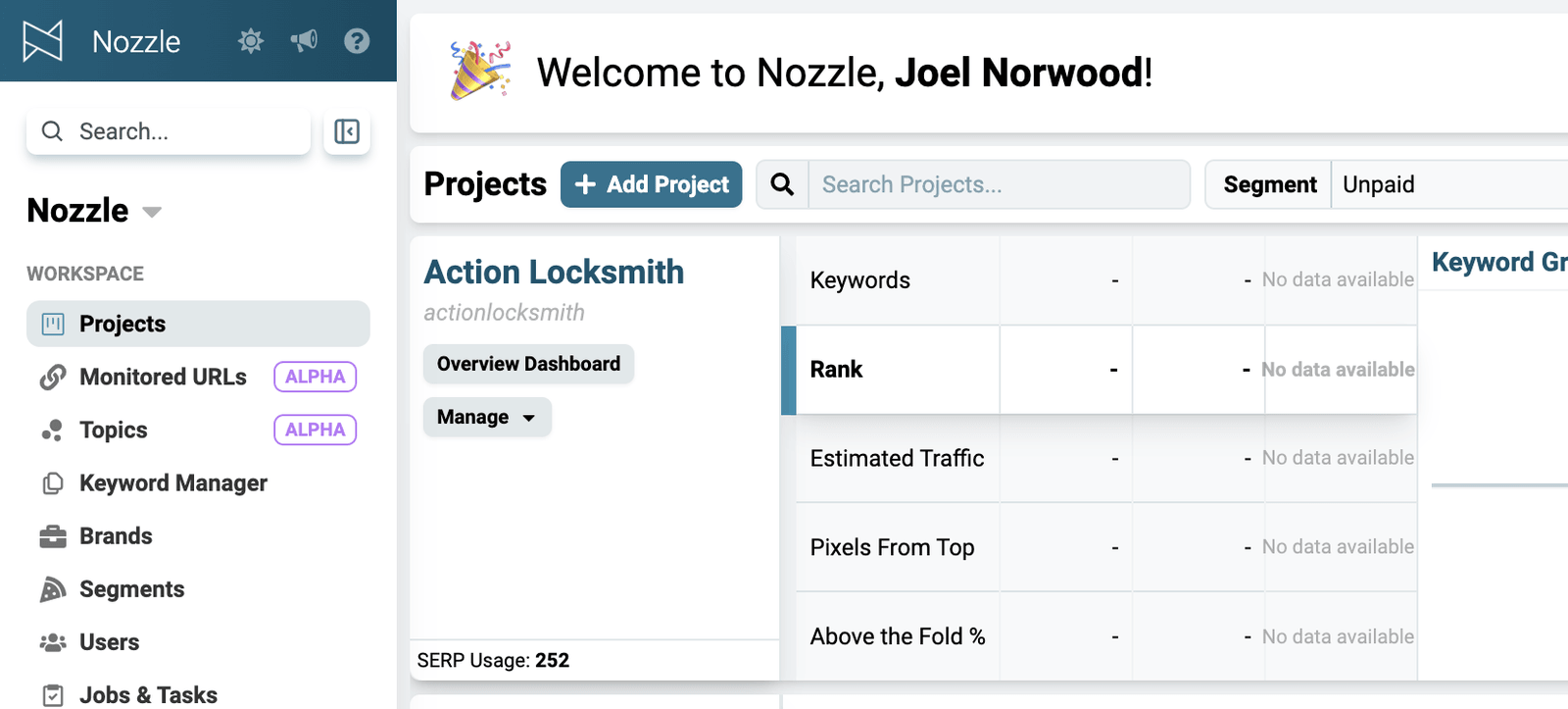
\ - Give it a name in the Project Name field**.**
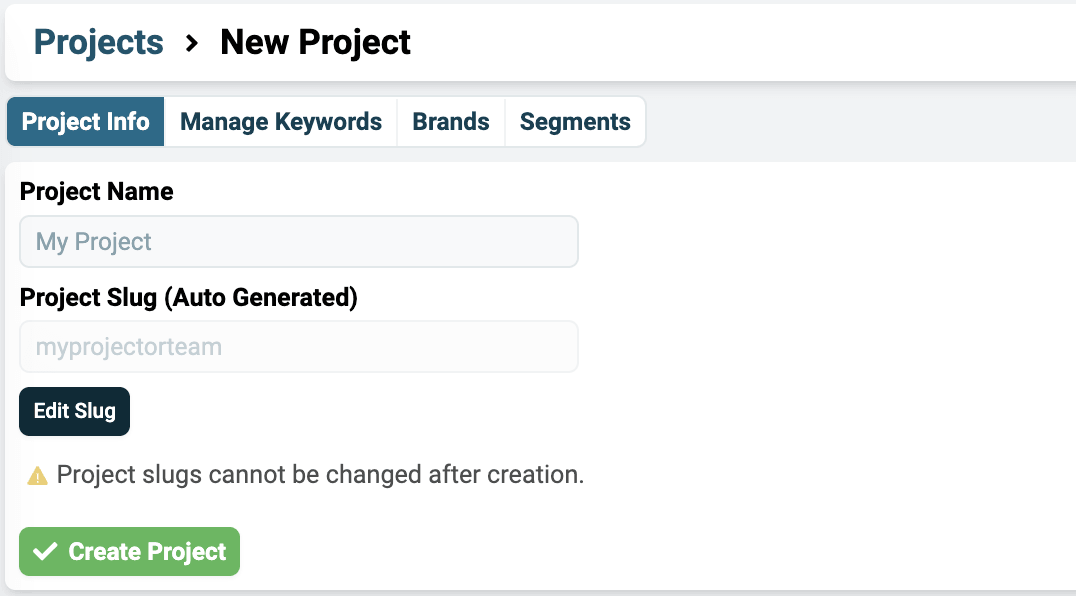
\ - This will automatically generate the Project Slug.
- You can click the Edit Slug button at this point to rename it, if you like, but we generally recommend using the auto-generated slug.
- Click the green Create Project button.

Now you are ready to start tracking all of your new project’s SERP data by adding keywords, creating brands, managing keyword groups, and more.
Related articles
What is the difference between a Workspace and a Project?I want to track keywords for a new project or client. Should I create a new Workspace or a new Project?How do I find my Workspace and Project slugs?Where to find your Workspace slug in Workspace Settings and each Project's slug on the Projects page in Nozzle. Renaming never changes a slug.Getting Started with your WorkspaceA tour of your new Nozzle workspace: adding keywords, brands, and segments, inviting users, managing projects, and finding your dashboards.