How to choose a plan and manage your subscription.
Follow these simple steps to select a plan or manage your subscription.
Contents
Your Subscription Details
On the Billing page, you will see four options for managing your subscription.
The “Overview” tab shows a history of your total keyword usage by project.
The “Invoices” tab will have a record of all your invoices.
The “Billing Details” tab is where you can add or update your billing information.
The "Usage Calculator" tab is an effective way to see how many SERPs you need each month.

How to Manage Your Subscription
On the Billing page, click the “Manage Subscription” button at the top right.

Or, if you are upgrading your trial to a subscription, click the Upgrade Trial button.
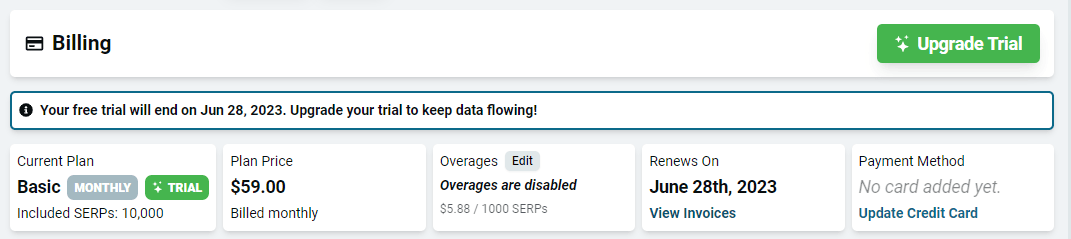
Then simply follow these steps:
1. Choose Your Plan
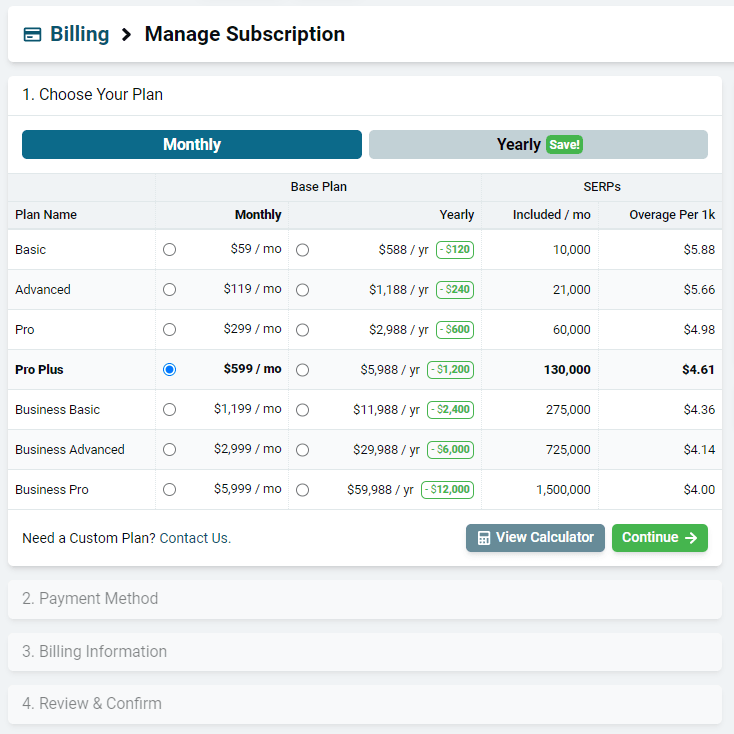
Choose a monthly or yearly plan and then select the one that will meet your needs.
Click Continue.
Be sure to note how each plan has an overage cost. This is how much you will be billed per 1k SERPs that you get beyond the base amount included in your plan.
2. Payment Method
Click “Add Card” and enter your card information, or “Update Card” if you are changing your payment method.
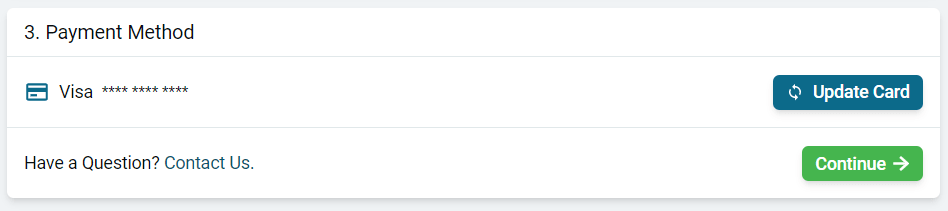
Click Continue.
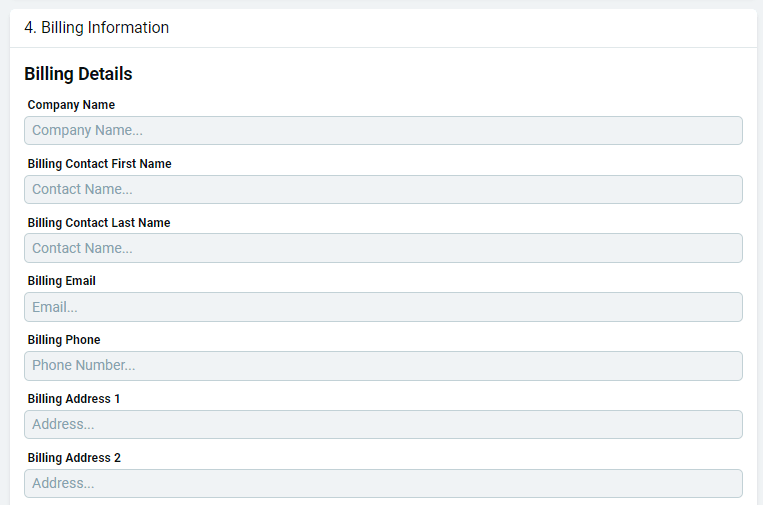
3. Billing Information
Enter or update your billing details.
4. Review and Confirm
Review that your information and selections are correct.
Confirm and get ready to blast off with data!
Related articles