Dashboards & Metrics
How To Customize The Dashboard Metrics
You can choose which metrics you want to show up in the Metrics bar and in all tables across all dashboards.
Updated January 3, 20261 min read
These are the Metrics that are visible by default on all dashboards:\

You can click on the metric selector button and then choose to turn on or turn off any of the metrics.
\
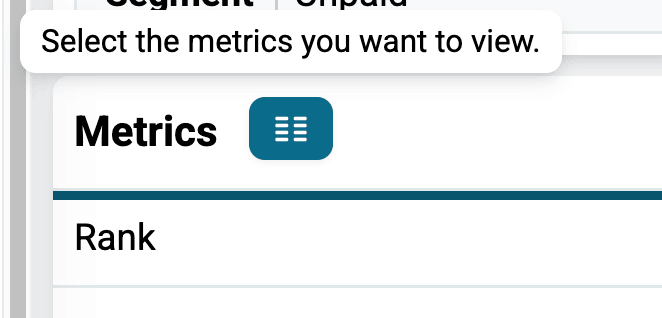
For example:
\

Also, your metric selection affects the columns that appear in the table further down the page too:
\

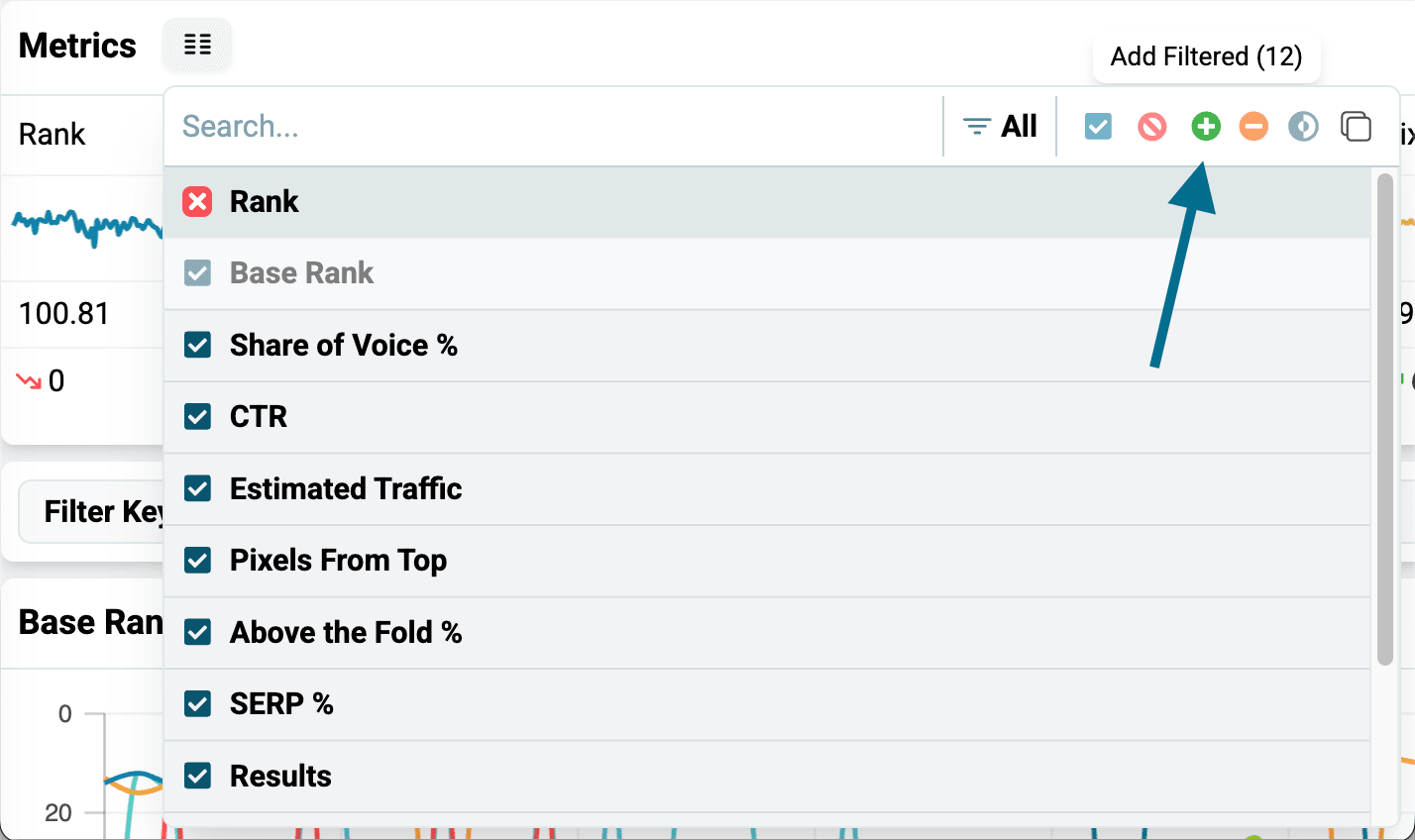
To quickly restore the default list, click on the red Clear All button:
\

\
To quickly select all the metrics, click on the green Add Filtered button:
\
\
Related articles
Nozzle Dashboards OverviewNozzle has a variety of dashboards that deliver important insights. This is a quick tour of the dashboards.Performance - Single Keyword DashboardHow to analyze one keyword in Nozzle's Single Keyword dashboard, from history charts and the SERP Results table to full SERP snapshots with Nozzle Vision.How Do I Add Or Remove Metrics On A Dashboard?How to use the Metrics picker to add or remove metrics like Base Rank on any Nozzle dashboard, and why the currently selected metric is greyed out.