What are all those Focus options in the dashboards?
There are several options available in the Focus dropdown. This is what they mean.
Contents
The Focus dropdown at the top of each dashboard has several different options:
- Brand Type
- Brand
- Brand Property
- Domain
- URL
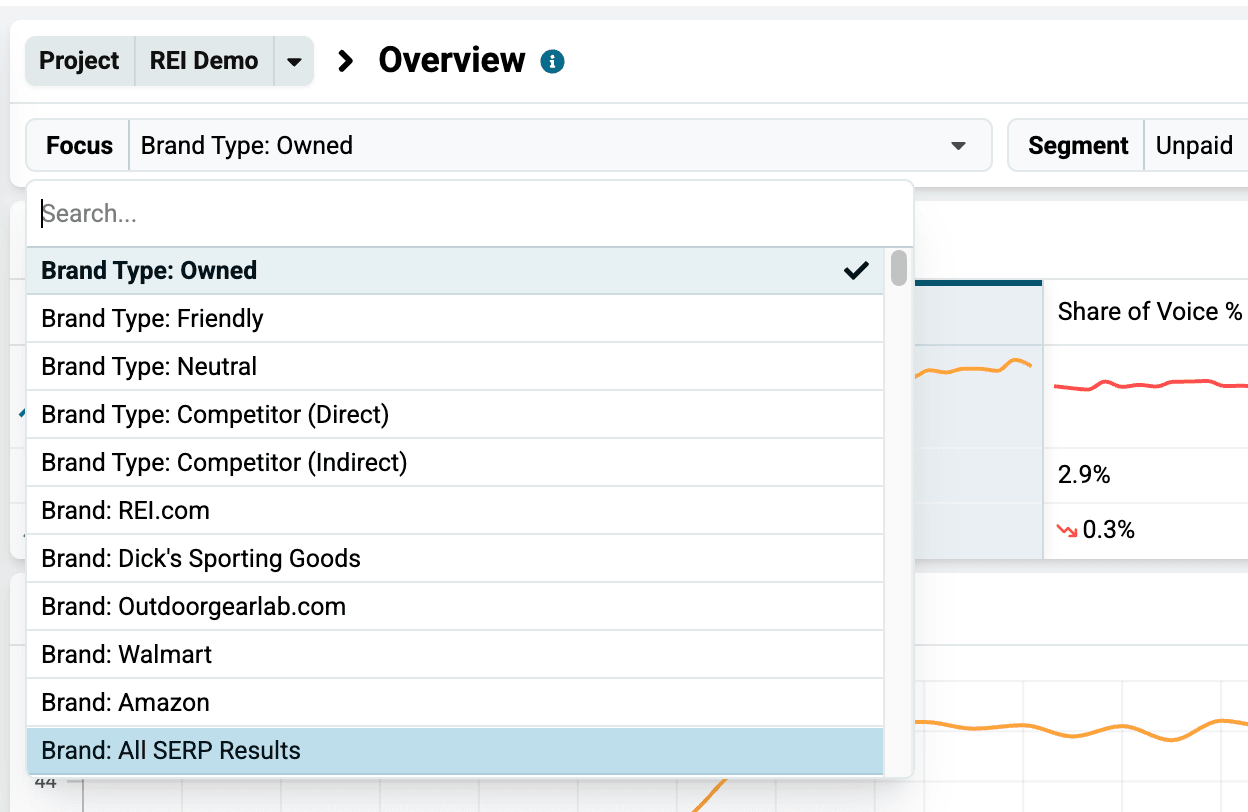
Each Focus option allows you to examine your data in a different way, and the results they display will depend on how you set up your own Brands or your competitors’ Brands.
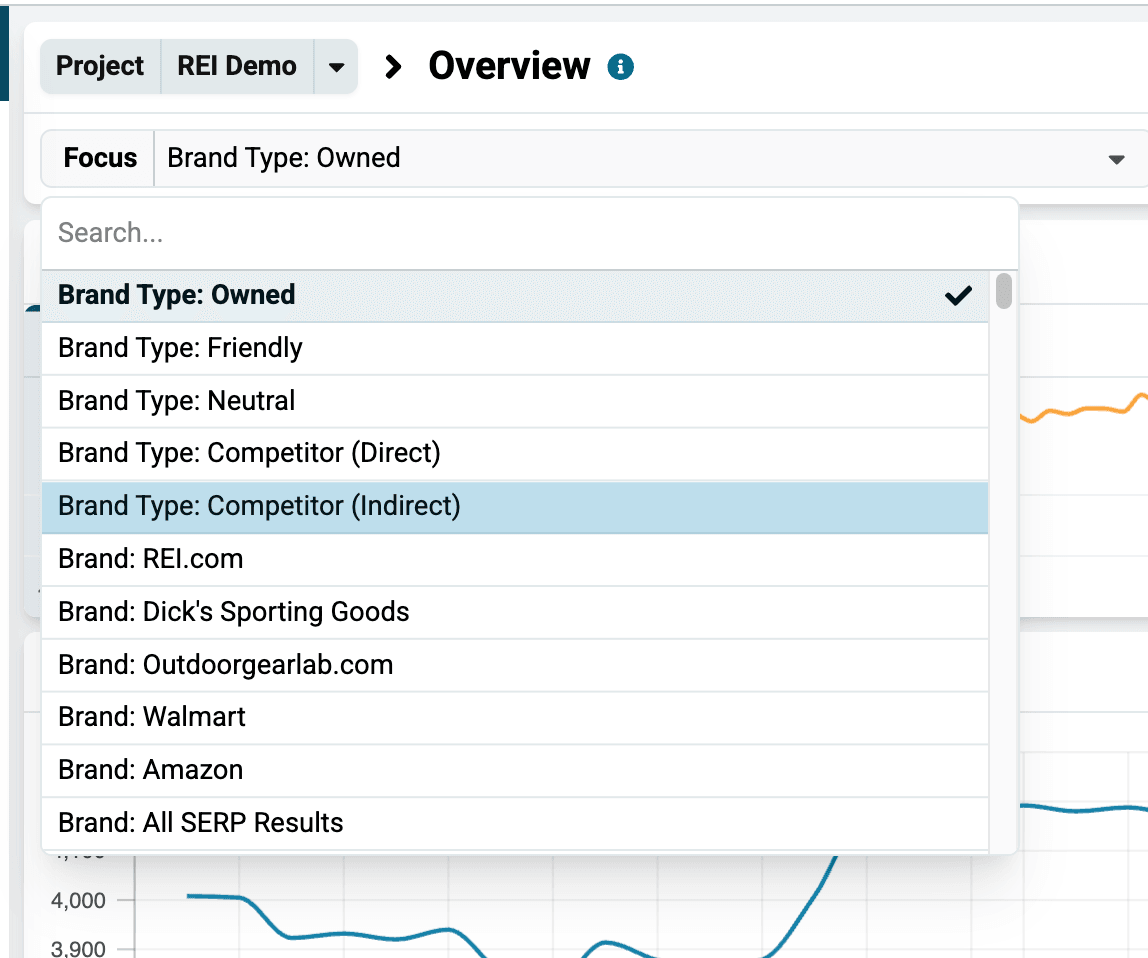
Brand Type
This is the default Focus option. It allows you to switch between the Owned, Competitor, and Neutral brands that you have created.
If you have created multiple brands (of any type), this Focus option will look at all of the brands that match that type together.
Brand
If you have several brands of a particular type, you can select this Focus option if you want to focus on a single one.
For example, you may have created a brand for several competitors, but sometimes you want to examine them one at a time.

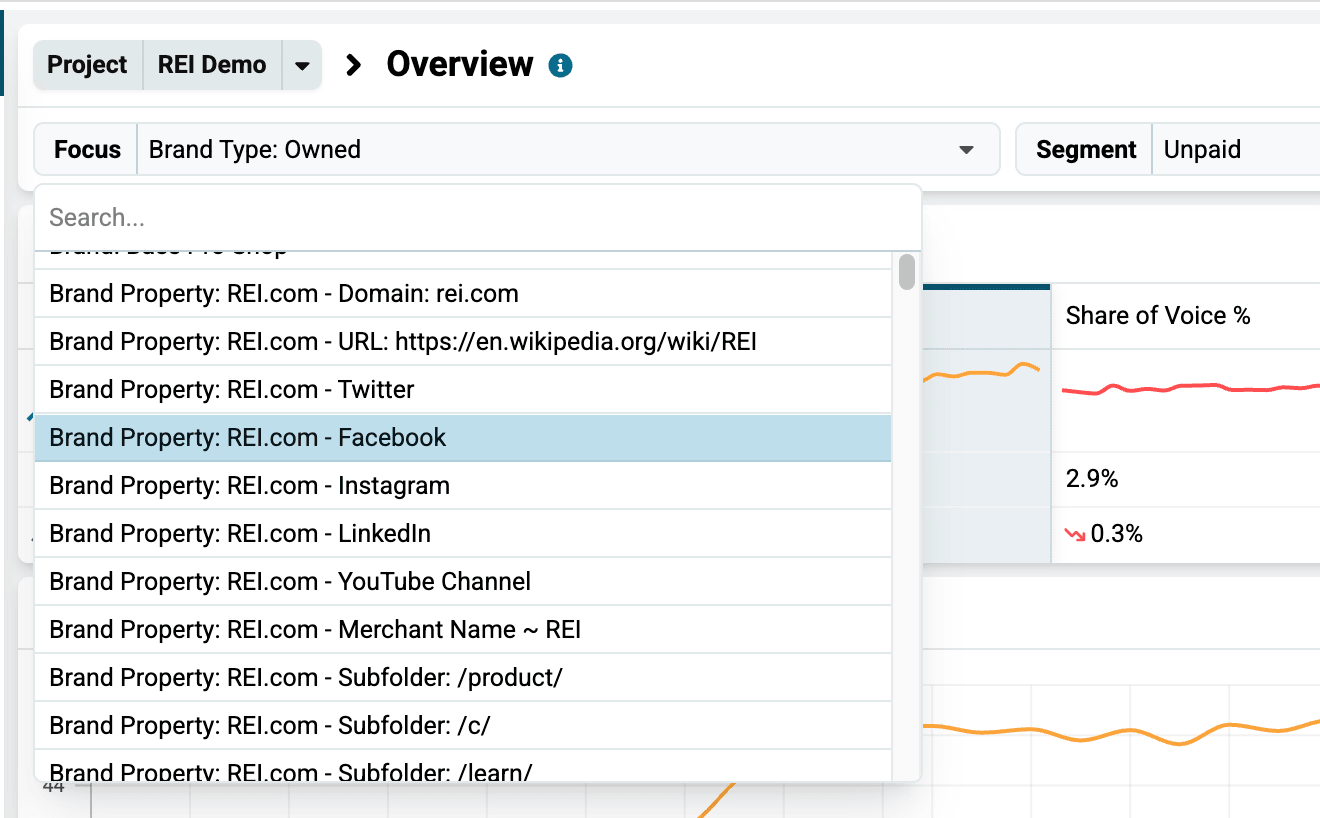
Brand Property
If you want to get even more specific, you can examine how a single property in your Brand is performing.
When you create a brand, you can add a variety of online assets, including your Facebook page, your Google Business Profile account, specific URLs and more. (If your Brand consists of only your domain name, that will be the only option available for this Focus option.)
You can select this Focus option if you want to see how just one of those properties is performing.
Domain
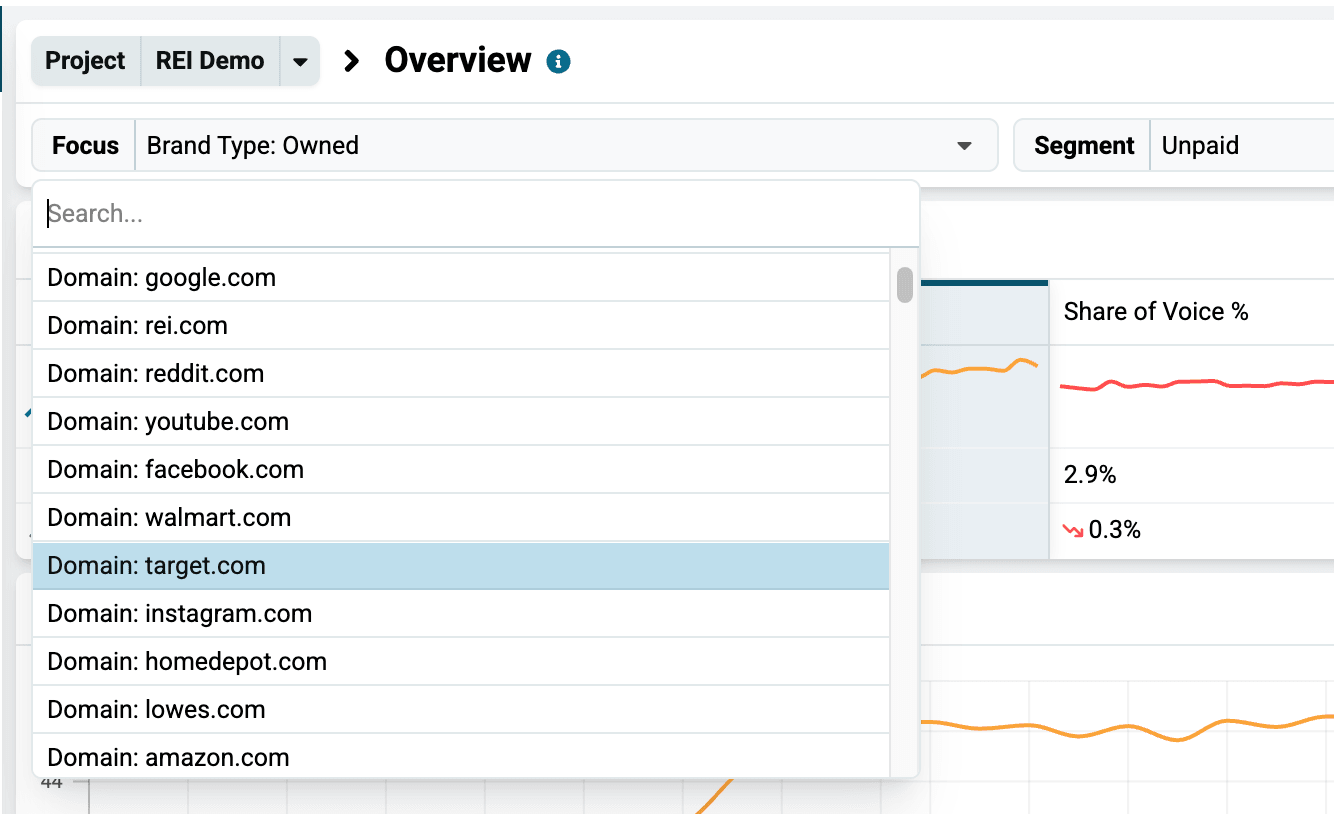
When you select the Domain Focus option, you can choose a specific domain to see how it is doing for your keywords.
This allows you to select any domain that is ranking for your keyword, whether you included it in your brand or not.
This makes it a great way to discover and track competitors that you didn’t even know you had.
URL
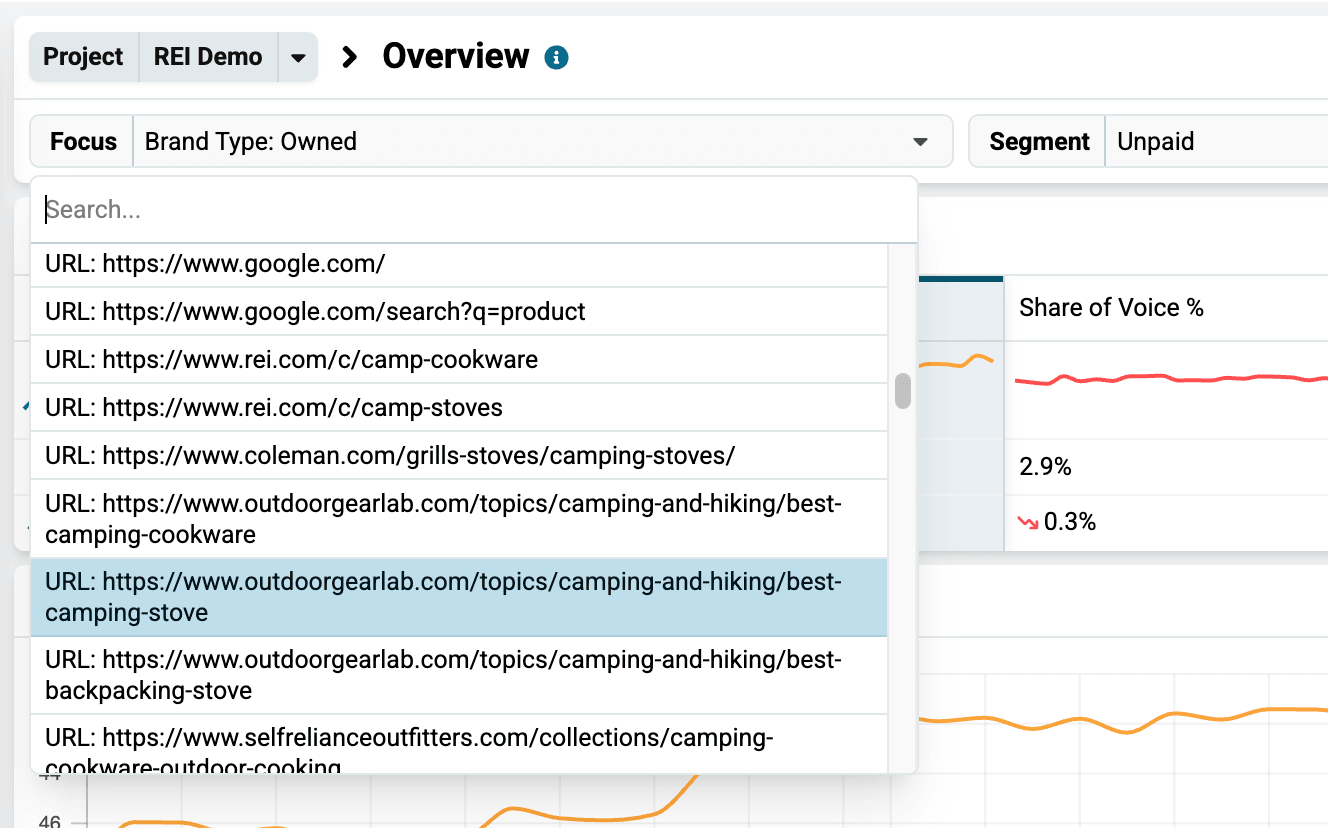
This Focus option allows you to search for or select one specific URL to see how it is doing for your keywords.
The system will be able to find and list a large number of the URLs that have ranked for your keywords, but there are simply too many to list them all. So, in some rare cases, you may not be able to find the URL you want in this list, even if it did rank in the top 5 pages (50-60 results).
Start exploring all these Focus option and how they impact all your dashboards.
Related articles