How Do I Switch Between Workspaces?
There are two different ways to switch between Workspaces.
You can switch between different Workspaces by clicking the Search field at the top left of the page.
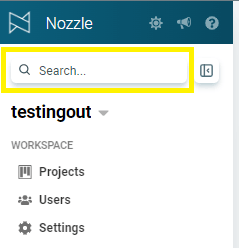
Or you can type CTRL- Shift- K on Windows or Command K on a Mac and it will get you the same popup window.
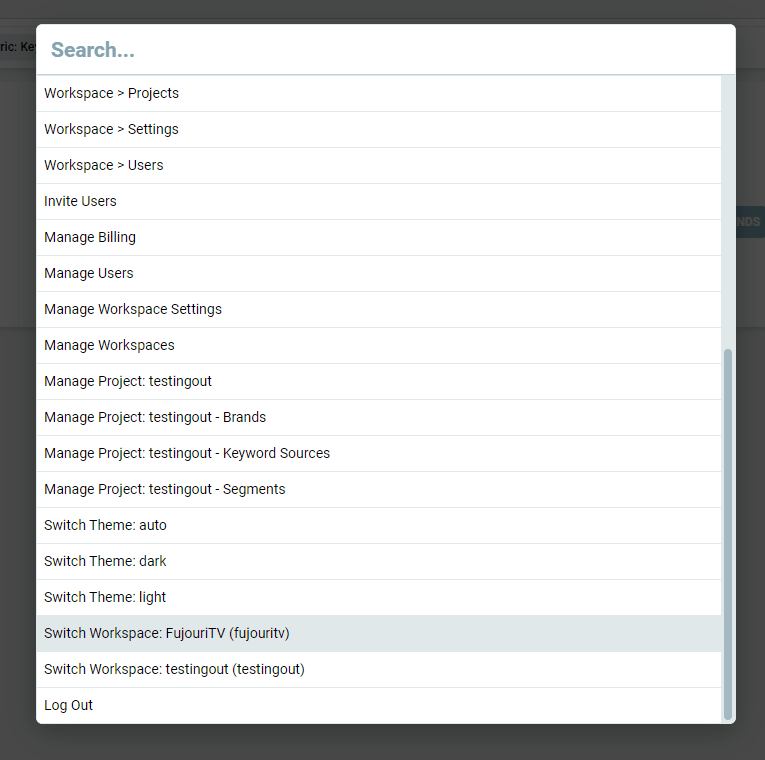
Type the name of the Workspace or scroll to the name of the other Workspace and click it.
This will take you to the Projects Overview page of that Workspace where you can select the project you wish to explore.
This Search feature also allows you to switch to different dashboards, project management pages, and more.
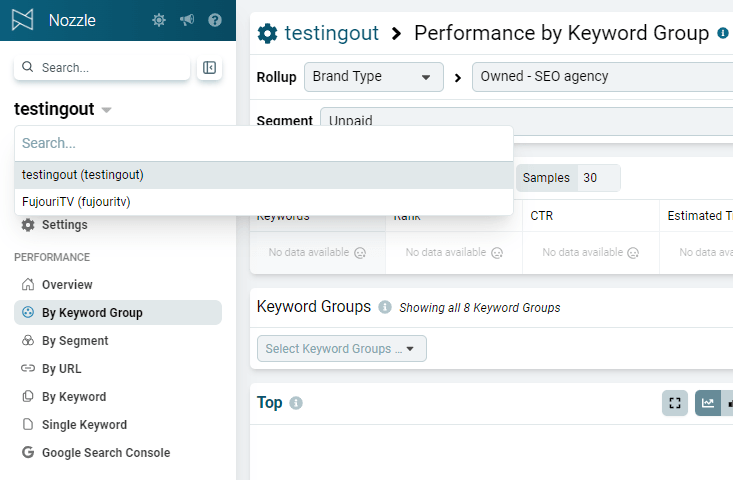
The second option is to click the Workspace name on the left-side menu.

This will list any other Workspaces that you are connected to. Simply select the one you want and you will go to that new workspace but remain on the same dashboard.
Related articles