Account & Billing
How do I setup SSO?
Enable SSO for your Nozzle users
Updated September 18, 20241 min read
Contents
To input into your identity provider:
- SSO URL:
https://auth.nozzle.io/__/auth/handler
Also referenced as:- Assertion Consumer Service (ACS) URL
- Reply URL
- Name ID: EmailAddress
- Audience:
https://app.nozzle.io - Attributes:
- firstName
- lastName
What we need from your identity provider:
Once you have completed the above setup, you will need to submit a few pieces of information to us to complete the setup. That can be submitted below.
- Valid domains: Include a list of all domains that should route through your SSO Provider. Typically this will be a single domain, but in the event you are operating multiple entities, you can provide all of them
- Entity ID: here are a few examples\
- Okta:
http://www.okta.com/abcdefg1234567 - Azure AD Identity:
https://sts.windows.net/12345678-abcd-1234-abcd-12345678910/
- Okta:
- SSO URL (Login URL):
- Okta:
https://company.okta.com/app/company_nozzleio_1/abcdefg1234567/sso/saml - Azure AD Identity:
https://login.microsoftonline.com/12345678-abcd-1234-abcd-12345678910/saml2
- Okta:
- Certificate: your identity provider should output a certificate that looks like this. Include all the text, including -----BEGIN CERTIFICATE----- and -----END CERTIFICATE-----
-----BEGIN CERTIFICATE-----
abc123 ...
-----END CERTIFICATE-----
How to login with SSO:
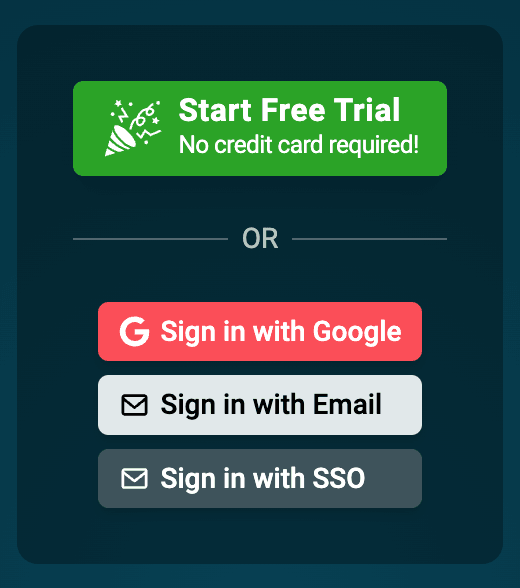
Once we have received your form submission, we will set it up on our side, at which point you will be able to test that SSO is working properly. Existing users may need to logout with their existing credentials, then click "Sign in with SSO" at app.nozzle.io.
Submit SSO Details
Related articles
How can I track specific URLs that had ranking declines?How to find the URLs behind a rankings drop using the Landing Pages dashboard, drill into their keywords, and build a segment to track a list of URLs.Why Can't I Log In?The five most common reasons a Nozzle login fails, from adblockers blocking Firebase to signing in with the wrong email or workspace, and how to fix each.Getting Started with your WorkspaceA tour of your new Nozzle workspace: adding keywords, brands, and segments, inviting users, managing projects, and finding your dashboards.