Keywords Dashboard
Analyze how you are performing for individual keywords in the SERPs.
The Keywords dashboard gives you the ability to analyze your Brand's performance for each individual keyword in your Project.
Use the Focus dropdown to select your desired brand or domain, then filter as you wish by segment, keyword group, and date range.
Use the Select keywords search bar to analyze as many particular keywords as you want. Leaving it empty will allow you to view data for all the keywords of your selected brand or domain. You can choose just a single key phrase or select several of them to see some direct comparisons.
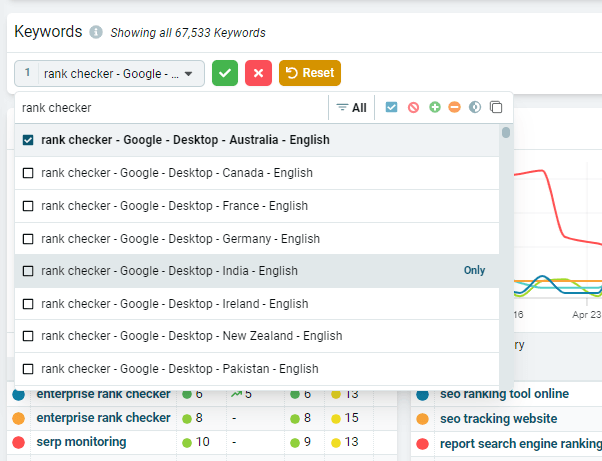
Further down, you'll find the Summary chart showing data for the selected metric above with toggle buttons for Top, Winners, and Losers to see which keywords are your best performers, which are moving up the SERPs, and which have had the greatest losses.

Finally, the data is also presented in the Keywords chart so you can quickly sort the data by your preferred metric.
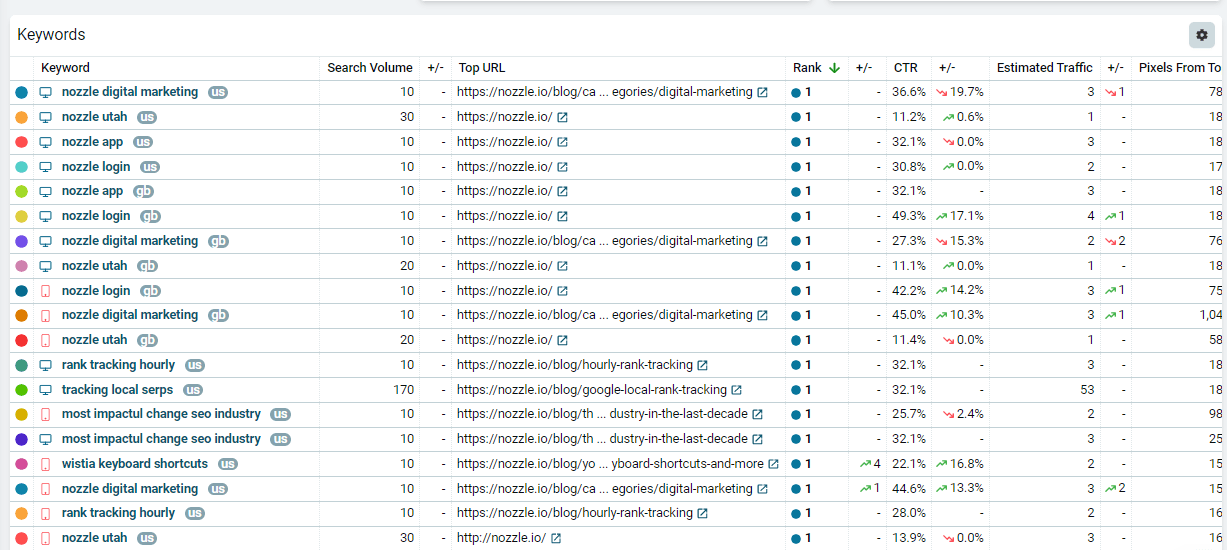
You can click on any of these keywords to drill down even further into the data on the Single Keyword Dashboard.
For more information about Nozzle dashboards, click here.
Related articles